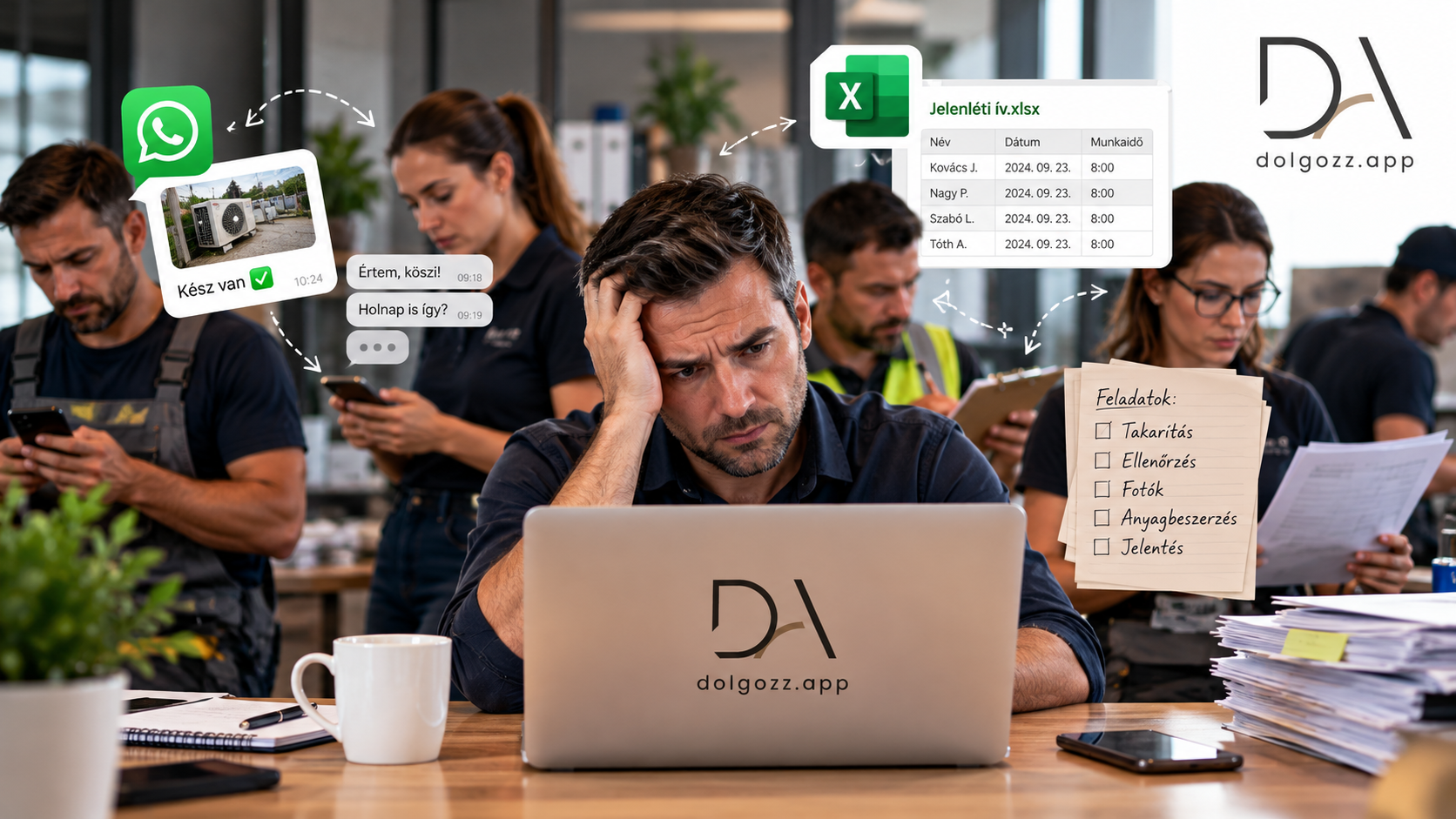
The Central System Works, Yet Field Data Lives Separately.
Your company might already have a well-functioning system managing clients, orders, and financial data. Meanwhile, information about tasks, attendance, and completed work from on-site colleagues comes through phone calls, paperwork, or spreadsheets.
For example, a service task appears in the central system, but the technician receives details in a separate message. On-site, they take photos, fill out a work report, and then someone in the office re-enters the data. The work is done, yet the information flow is slow and hard to track.
Dolgozz App can assist in managing on-site work. Colleagues can view and document their tasks in the app, while managers can track daily operations. The existing corporate system can continue to serve its proven role.
What Can Dolgozz App Manage On-Site?
Implementation always aligns with company processes. Dolgozz App can assist in the following areas:
-
Attendance: recording start of work and on-site presence.
-
Tasks and Inspections: issuing, tracking, and documenting work completion.
-
Digital Work Reports: recording on-site work, with photos and signatures if needed.
-
Scheduling: overview of who works when and where.
This is particularly useful for service companies, cleaning, facility management, security services, and other teams working across multiple locations. The goal is for managers not to rely on separate messages and retroactively filled spreadsheets to know what happened on-site.
How Can It Connect to the Existing System?
If your company already uses ERP, CRM, or custom software, first clarify which data needs to transfer between systems.
For example, you might want to send job data created in the central system to the field team. In other cases, it's crucial that the status of completed tasks or information recorded on work reports returns to the existing system.
The API connection can be designed for these specific processes. The possibility and exact functioning of the integration also depend on the technical capabilities of the other system. Therefore, it's not advisable to start with a general integration for all companies, but rather with the question: which data do you enter twice today, or which information do you repeatedly need to ask for?
An Example from Daily Operations
A service company keeps track of clients and orders in its own system. Technicians need to see tasks on-site and document what they have completed.
Dolgozz App can be used for managing field tasks and work reports. If systems can be technically connected, the API connection can help transfer necessary data. During implementation, it can be jointly determined what the technician should receive, what to record after work, and which data should return to the central system.
This way, the field team has the tools for daily work, and the office has less data to collect and re-enter separately.
Is a Custom Mobile App Development Necessary?
Often, no. If Dolgozz App's existing features cover fieldwork, the team can start with the ready-made application. During implementation, process settings and, if necessary, integration with the existing system need to be planned.
If a specific corporate need is not covered by the existing features, the possibility of custom development can be examined separately. This should be decided based on the specific workflow.
Your Existing System Can Stay. We Bring Fieldwork Alongside.
If you already have a corporate system, but organising and documenting on-site work still happens through separate channels, show us how the process currently works. We'll see how your team could use Dolgozz App and what integration would make real sense with your existing system.
Request a demo of Dolgozz App, and let's discuss your field processes.